![Apollo_Logo_Red-White.png]](https://supportxe.apollocover.com/hs-fs/hubfs/Apollo_Logo_Red-White.png?height=40&name=Apollo_Logo_Red-White.png)
Go to your CRM in the Exchange. Ensure that "Bound" is selected in the "Application Status" to locate bound applications only. From here, you can search for your client either by name, phone number, policy number, or email address. Alternatively, you can also search by the type of product (i.e., tenants, rented condo, etc). Once you've located your client, scroll to the right under "Application Status". Select "DETAILS".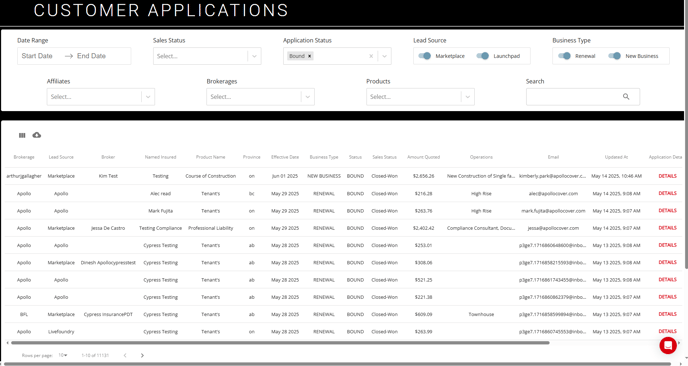
This will take you to the POLICY RECORD. Select the drop down from the "Select Action" menu. Scroll down the list until you find "Submit a Claim". 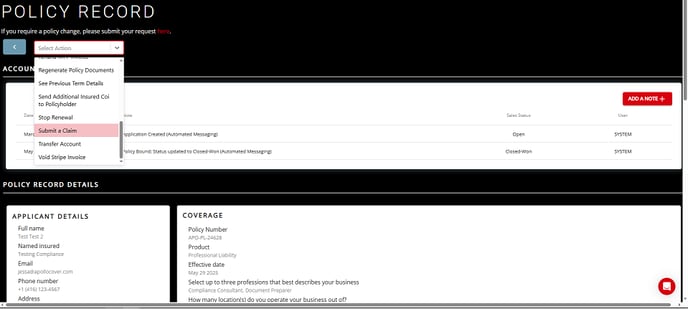
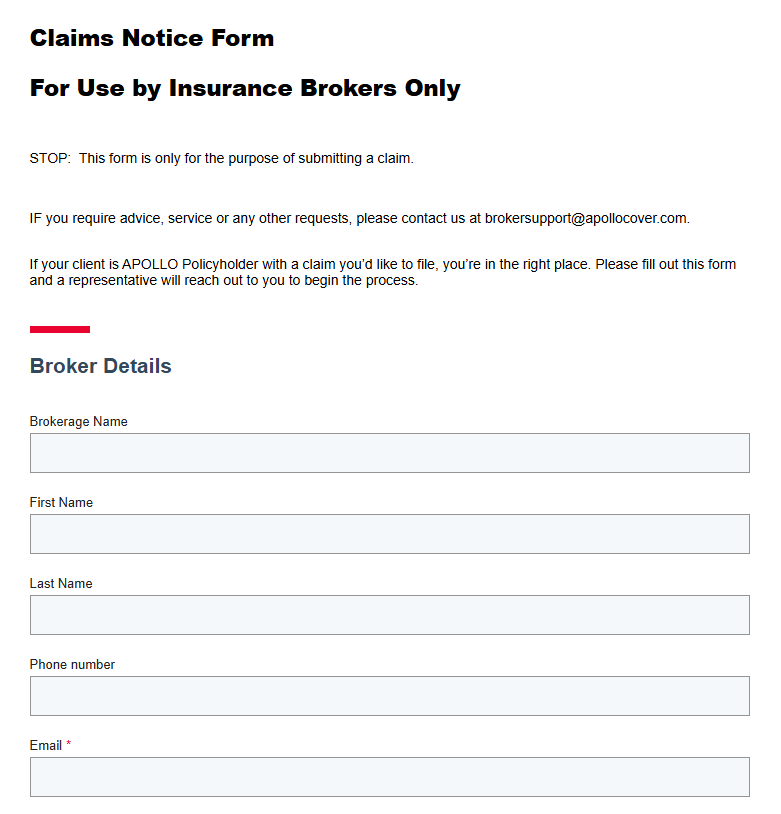
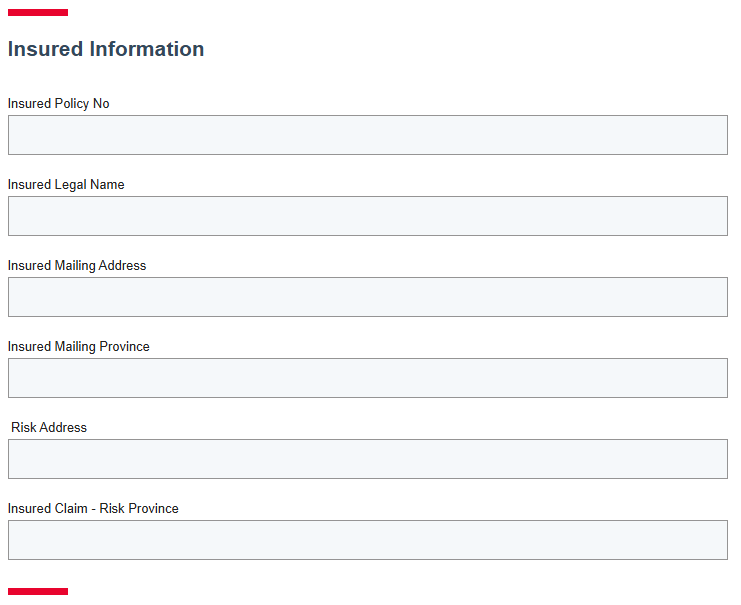
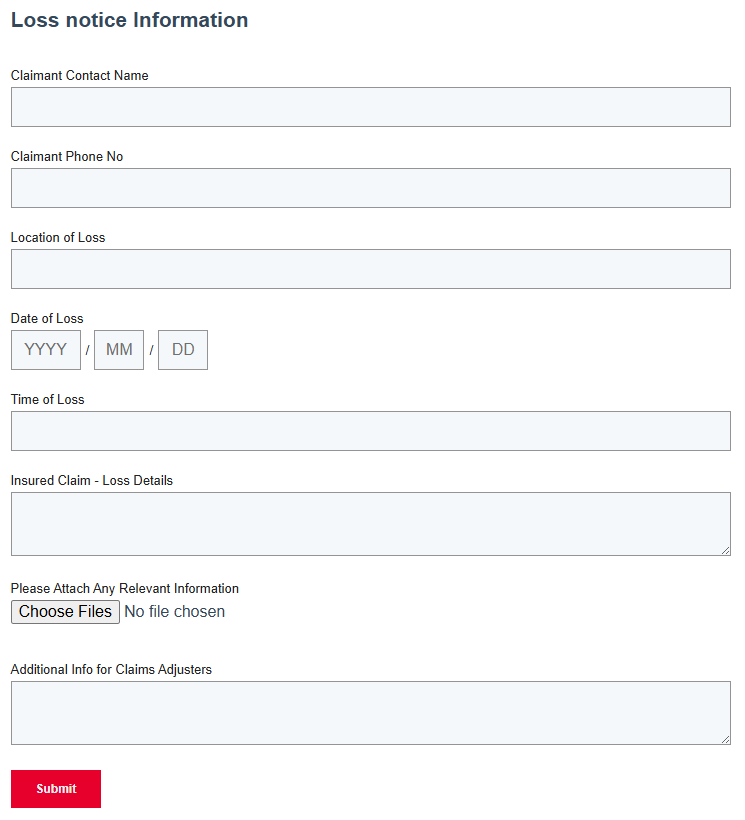
You'll be taken to a form where you can enter the claims details. Fill out the appropriate sections. If you need to add an attachment, you can do so at the bottom of the form before you click on "Submit".
Alternatively, you can also send us a claims notice with your FNOL to our claims department at: claims@apollocover.com