At any time during the quoting process, you can share the current quote with your client via a link. On any page of the quote, scroll down to the bottom and you'll see a button called "COPY LINK TO SHARE WITH YOUR CLIENT". This automatically copies the URL to the online quote. CTRL + V to paste onto an email for example. Or you can right click then select "Paste" on any other method of sharing the link with your client. 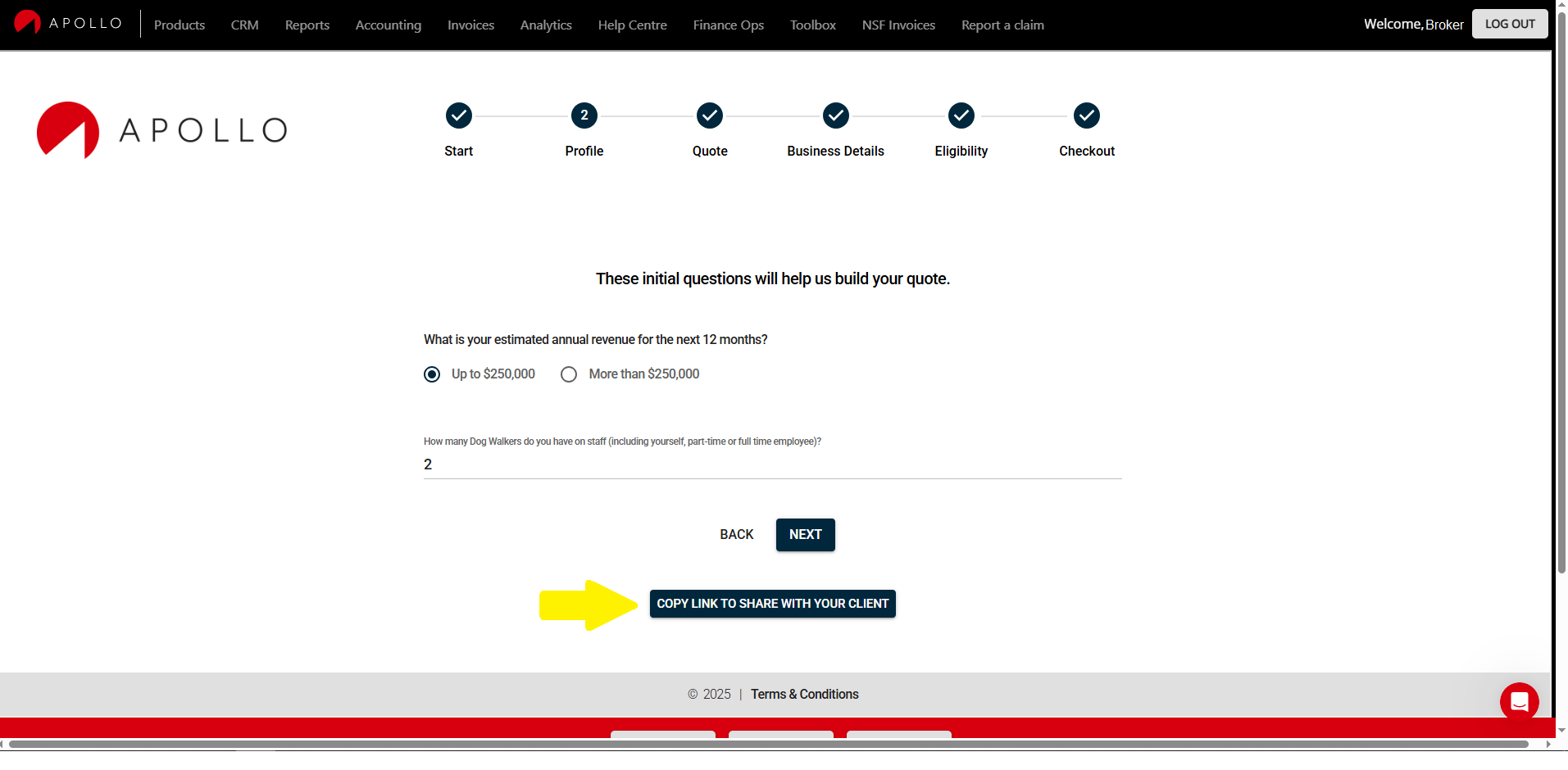
English
![Apollo_Logo_Red-White.png]](https://supportxe.apollocover.com/hs-fs/hubfs/Apollo_Logo_Red-White.png?height=40&name=Apollo_Logo_Red-White.png)